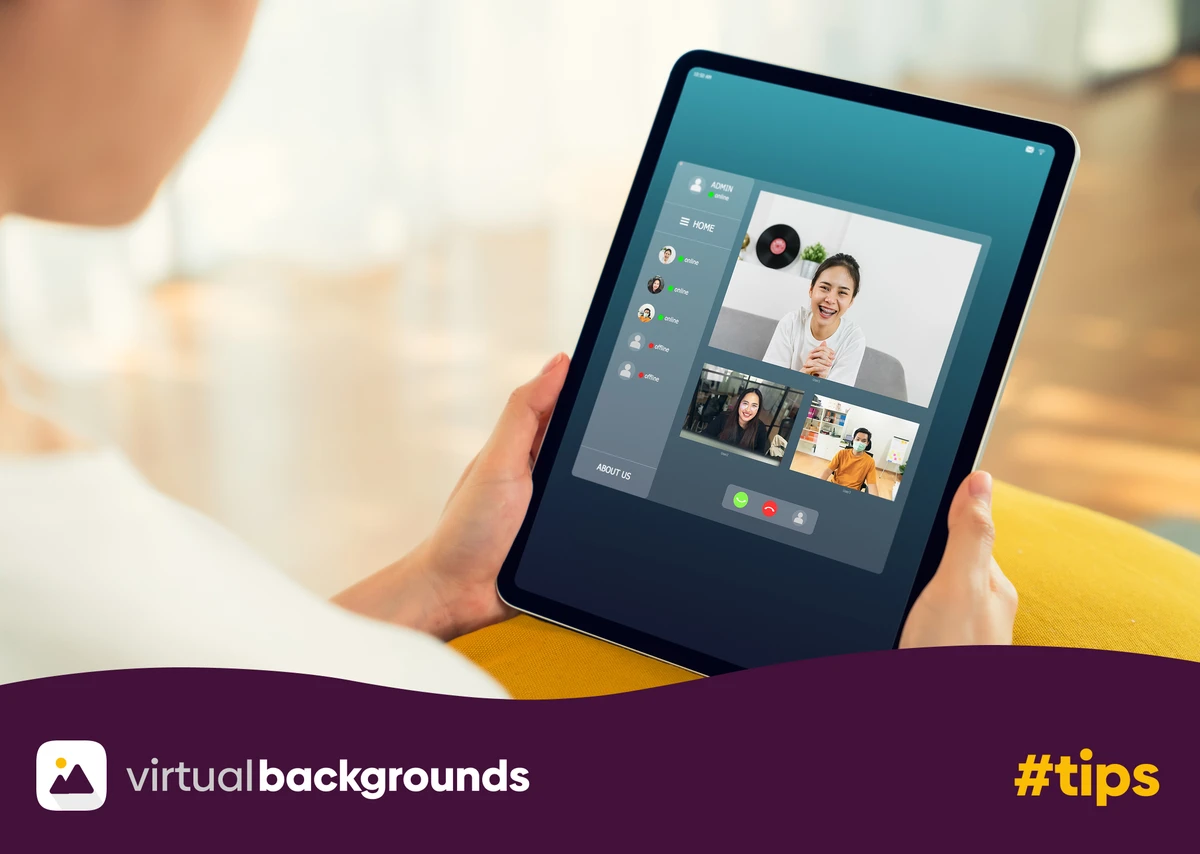


Online, or “virtual”, meetings are now a standard part of modern work. Teams meet through video conferencing such as Zoom, Teams, Google Meet, and Cisco Webex every day. Remote work, hybrid teams, and global collaboration make online meetings unavoidable.
However, many professionals underestimate the importance of virtual meeting etiquette. Poor preparation, background distractions, or unprofessional behavior can quickly reduce credibility during a call.
Good virtual meeting etiquette improves communication, builds trust, and ensures meetings remain productive. It quite often also shapes how colleagues and clients perceive you!
This guide explains the most important virtual meeting etiquette rules, including how to prepare before the meeting, how to behave during the call, and what to do after the meeting ends.
What Is Virtual Meeting Etiquette?
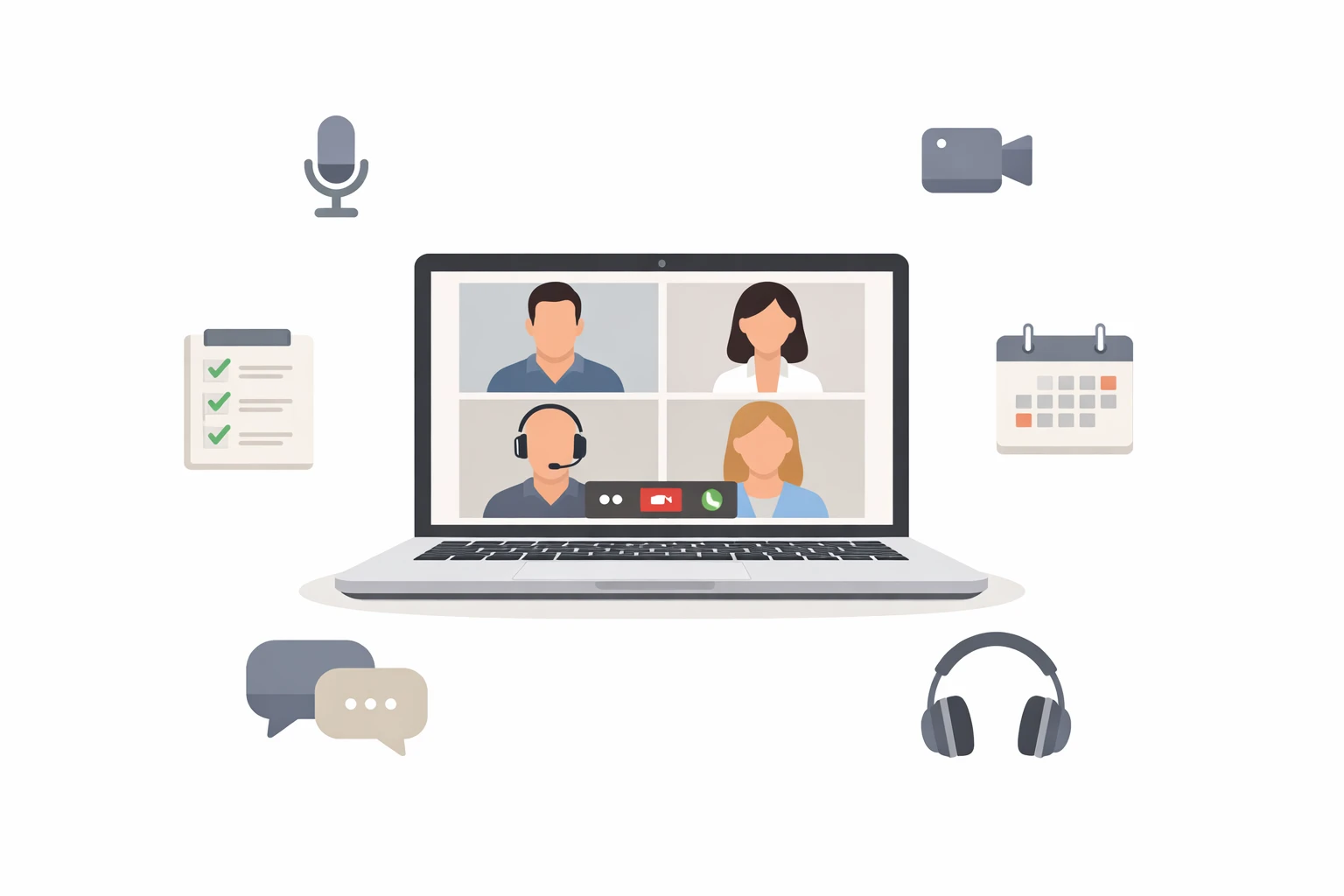
Virtual meeting etiquette refers to the professional behavior and communication standards used during online meetings.
These guidelines help participants communicate clearly, avoid distractions, and maintain professionalism while collaborating remotely.
Good etiquette includes:
- Being prepared before the meeting
- Using professional video and audio settings
- Respecting speaking turns
- Minimizing distractions
- Following up on decisions and action items
When teams follow consistent meeting practices, online collaboration becomes smoother and more efficient.
Why Virtual Meeting Etiquette Matters
Online meetings remove many of the visual cues present in face-to-face conversations. Because of this, small issues can create large disruptions.
For example:
- Background noise makes it difficult to hear speakers
- Things happening in your background create distractions
- Camera positioning affects engagement and trust
- Technical problems waste valuable meeting time
Strong virtual meeting etiquette solves these issues and improves communication.
Before the Meeting: 5 Preparation Rules
Most meeting problems occur before the meeting even starts. Proper preparation prevents technical issues and keeps the discussion focused.
1. Review the agenda in advance
Every productive meeting starts with a clear objective.
Meeting organizers should share an agenda that includes:
- Topics to discuss
- Meeting goals
- Expected outcomes
- Time allocation
Attendees should review the agenda beforehand and prepare any materials or updates they need to present.
Preparation reduces unnecessary discussion and keeps meetings concise.
2. Perform a quick tech check
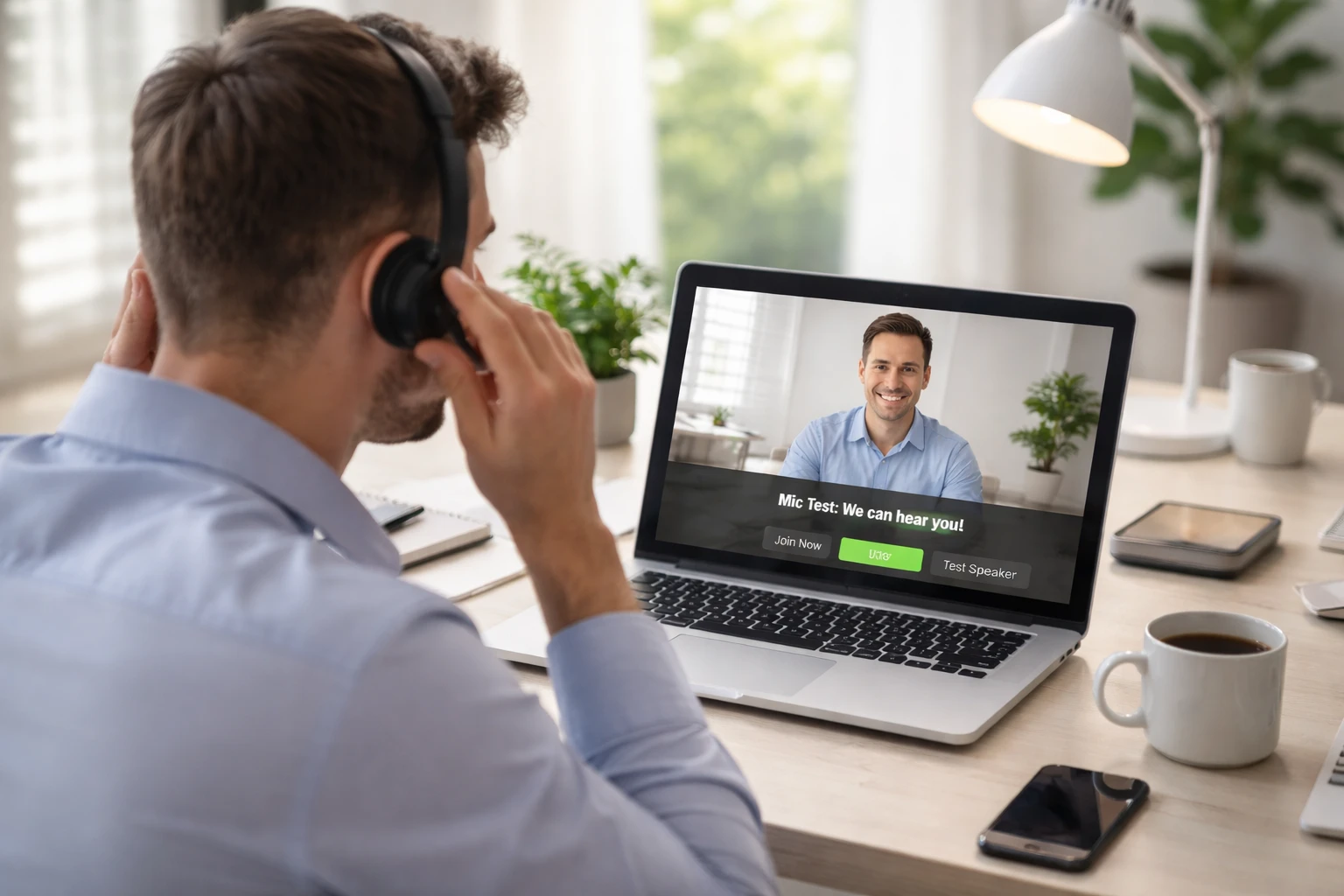
Technology failures are one of the most common causes of meeting delays.
Before joining a meeting, check:
- Quit any applications that might be consuming your Internet bandwidth
- Ensure microphone and camera are working properly
- Test your screen-sharing functionality
- Ensure you have Meeting links and login access ready
Quick tip: Logging in five minutes early allows time to resolve issues before the meeting begins.
3. Choose a quiet environment
Background noise distracts participants and makes conversations difficult to follow.
Choose a location that is:
- Quiet
- Well-lit
- Free of interruptions
If possible, use headphones with a microphone to improve audio clarity.
4. Position your camera correctly
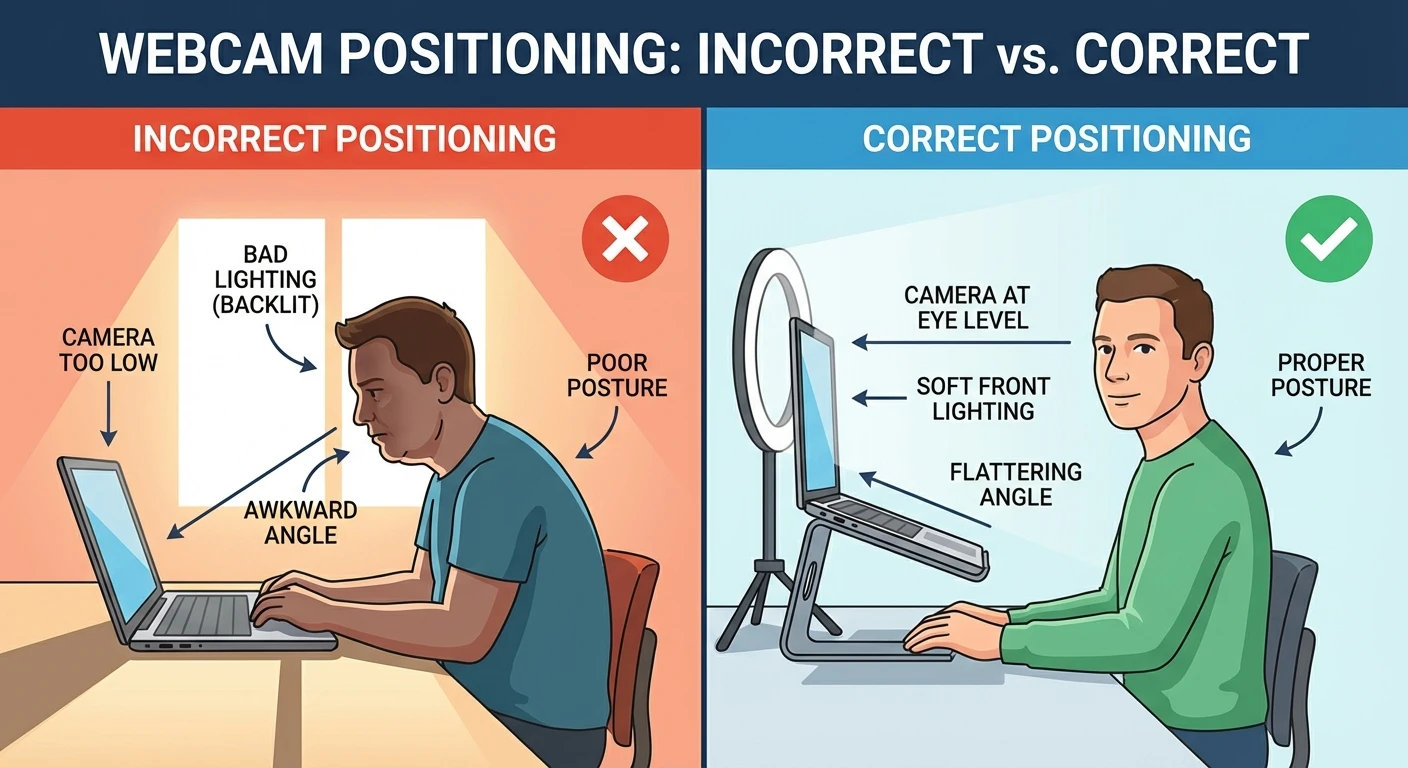
Camera placement affects how professional you appear.
Follow these guidelines:
- Place the camera at eye level
- Sit facing a light source, avoiding light sources or windows behind you
- Maintain a steady camera position
This setup creates a natural and engaging visual presence.
5. Use a clean and professional background
Your background communicates a message before you even speak.
Messy environments, clutter, or personal spaces can distract participants and reduce your professional appearance.
A simple solution is to use a clean office environment or a professional virtual background.
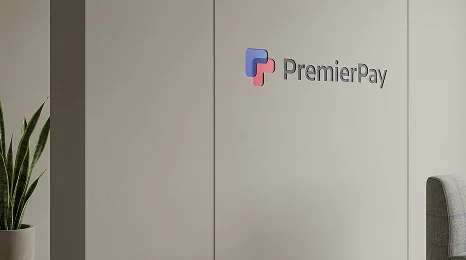
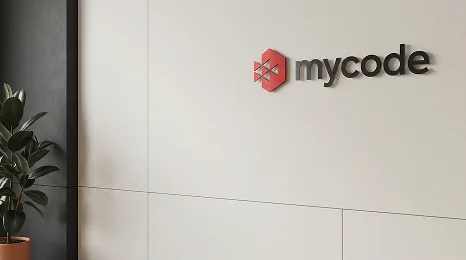
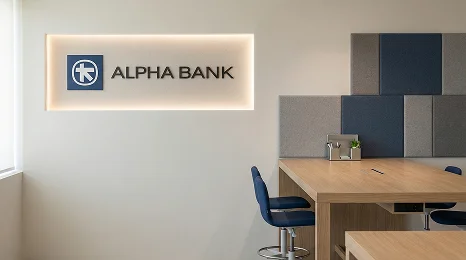
Many professionals now use custom branded virtual backgrounds that include their company logo and office-style settings. These backgrounds help create a polished appearance while also protecting privacy during remote work.
Services such as the one we offer at VirtualBackgrounds allow individuals and teams to instantly create realistic branded meeting environments. This ensures every meeting looks consistent and professional across Zoom, Teams, Google Meet, and Webex.
During the Meeting: 5 Professional Behavior Rules
Once the meeting begins, professional behavior keeps the conversation clear and respectful.
6. Join the meeting on time
Punctuality demonstrates respect for other participants. Joining late disrupts the meeting and forces others to repeat information. A good rule is to enter the meeting 2–3 minutes early.
7. Keep your microphone muted when not speaking
Open microphones often capture background sounds such as typing, breathing, or nearby conversations. Muting your microphone prevents distractions and ensures the speaker remains clear.
Most teams follow a simple rule: Mute by default, unmute to speak.
8. Turn on your camera when appropriate
Video improves engagement and helps participants read body language. When possible, keep your camera on during smaller meetings or collaborative discussions.
Seeing faces helps:
- Build trust
- Improve communication
- Increase engagement
However, if you cannot turn your camera on, inform the meeting host in advance.
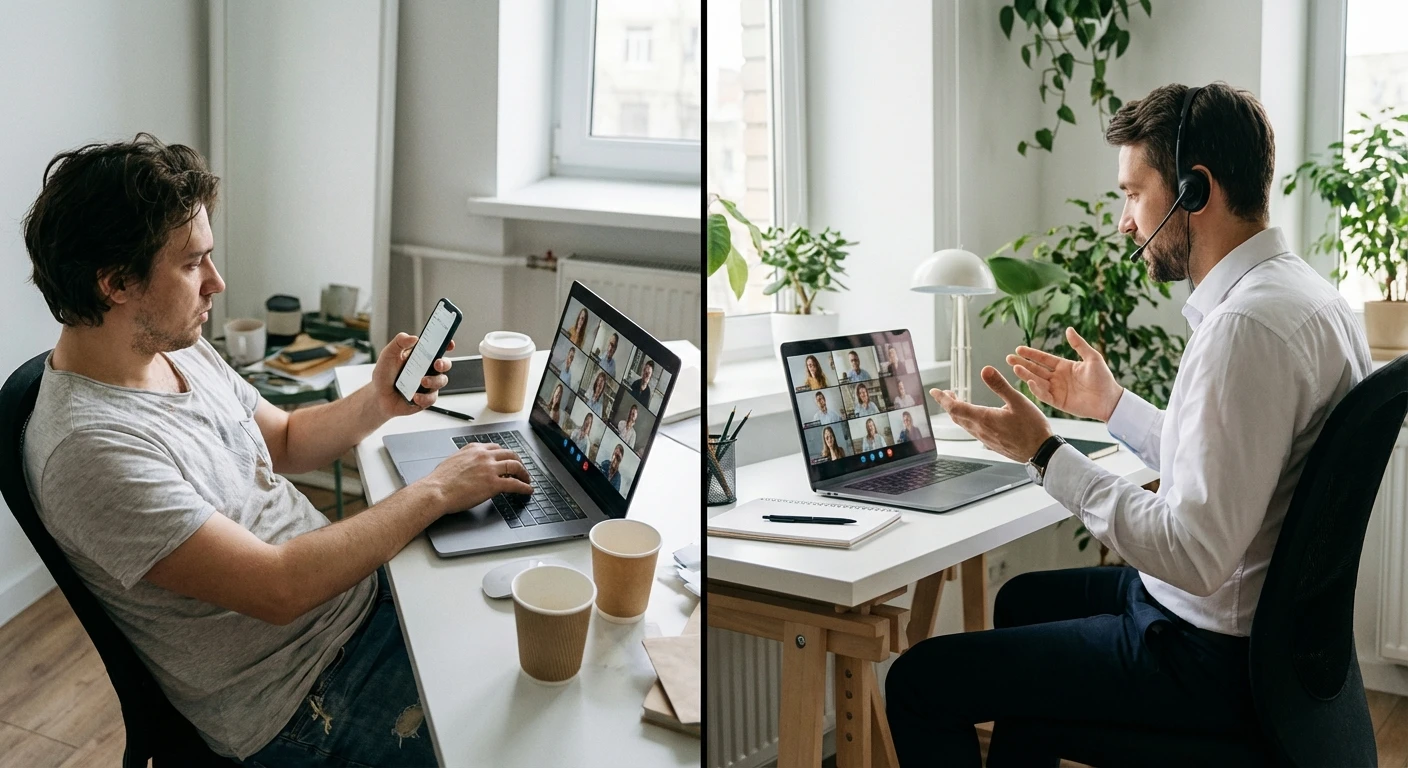
9. Avoid multitasking
Checking emails, browsing websites, or messaging during meetings reduces attention and engagement. Participants quickly notice when someone is distracted.
Instead:
- Maintain eye contact with the camera
- Listen actively
- Use reactions or chat features to participate
Active listening shows respect for colleagues and improves meeting outcomes.
10. Follow a clear communication structure
Online conversations can become chaotic when multiple people speak simultaneously.
Teams often use simple rules such as:
- Raise your hand to speak
- Use chat for questions
- Wait for speakers to finish before responding
These practices prevent interruptions and ensure everyone has the opportunity to contribute.
After the Meeting: 2 Follow-Up Rules
Virtual meeting etiquette does not end when the call ends. Proper follow-up ensures the meeting’s effectiveness.
11. Share meeting notes and action items
Someone should record key discussion points during the meeting.
After the meeting ends, share:
- Key decisions
- Assigned tasks
- Deadlines
- Next steps
Clear notes help participants stay aligned and avoid repeating discussions. Many teams now use AI transcription or note-taking tools to capture these details automatically.
12. Complete tasks promptly
Professionalism continues after the meeting.
Participants should complete assigned work quickly and communicate progress when necessary. Prompt follow-up keeps projects moving forward and demonstrates reliability.
How Professional Virtual Backgrounds Improve Meeting Etiquette
One of the most overlooked elements of virtual meeting etiquette is visual presentation. Your background affects how colleagues and clients perceive you!
A cluttered environment can appear unprofessional, while a polished background communicates confidence and organization.
Professional virtual backgrounds can provide several benefits:
Improved professionalism
A clean office-style environment instantly improves your visual presentation.
Consistent company branding
Teams can display company logos and brand colors during client calls.
Privacy protection
Personal living spaces remain hidden during meetings.
Better first impressions
Clients often judge professionalism within seconds of joining a video call.
Custom-branded background services like VirtualBackgrounds allow professionals to quickly create realistic meeting environments without needing design skills.
This simple upgrade can dramatically improve your online presence.
Final Thoughts
Online meetings are now a permanent part of professional communication. Whether working remotely, collaborating with global teams, or meeting clients online, strong virtual meeting etiquette is essential.
The most effective professionals follow a simple framework:
Prepare before the meeting.
Communicate clearly during the meeting.
Follow up afterward.
Small habits such as joining on time, muting microphones, maintaining a professional background, and actively listening can significantly improve meeting quality.
By applying these virtual meeting etiquette rules, individuals and teams can run more productive meetings, communicate more effectively, and maintain a professional image in every online interaction.
And if you want to further improve your presence on camera, consider using professional branded virtual backgrounds to create a polished and consistent visual environment for every meeting.
A professional appearance helps you stand out—and makes every virtual meeting more effective.

 Used by more than 6,000 pros worldwide